Where to find your invoices
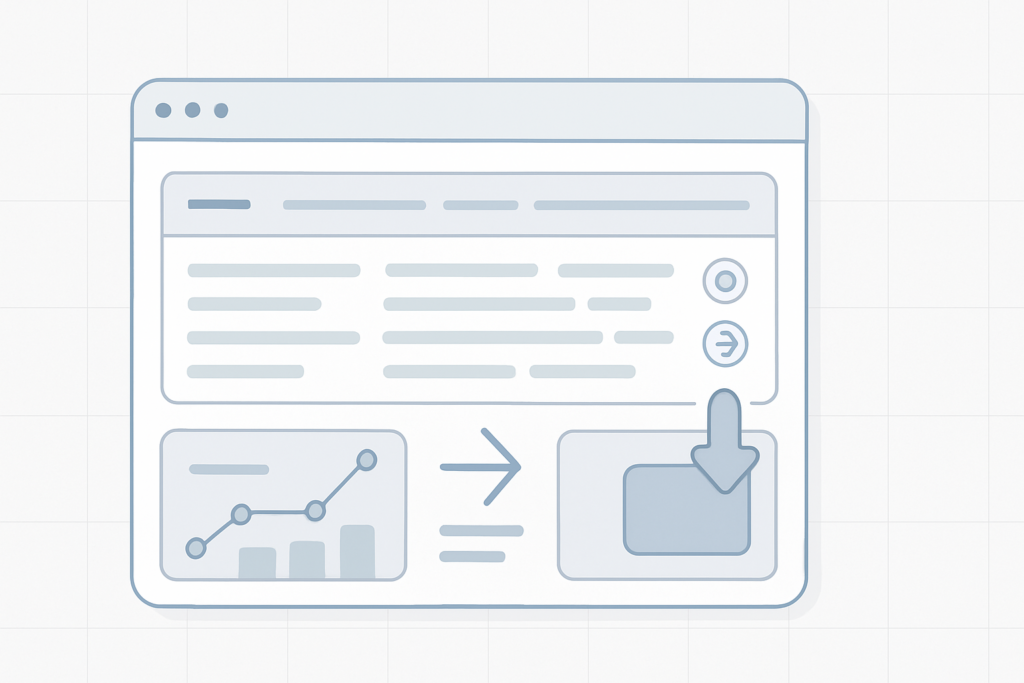
All your invoices are available in the control panel underHistory > My invoices. Each invoice is stored as a PDF that you can open or download to your computer.
Quick steps Sign in to your account and go to History. Select My invoices to see a list of all issued documents. Click the PDF icon or the download link to save a copy to your device.
Download or view an invoice
Open any invoice from the list to view the PDF. Use your browser or the provided download link to save a copy for your records.
View order and Credits history
The same menu also contains a detailedOrder historyand a record of yourCreditsusage. You can open any order to see its full contents.
Tip To inspect a specific order, click the view icon next to that order—this will display all items and details related to that purchase.
Need a copy for accounting?
If you require an official copy for bookkeeping, download the PDF and keep it with your financial records. If you have any missing invoices or discrepancies, contact support so we can help locate or reissue documents.