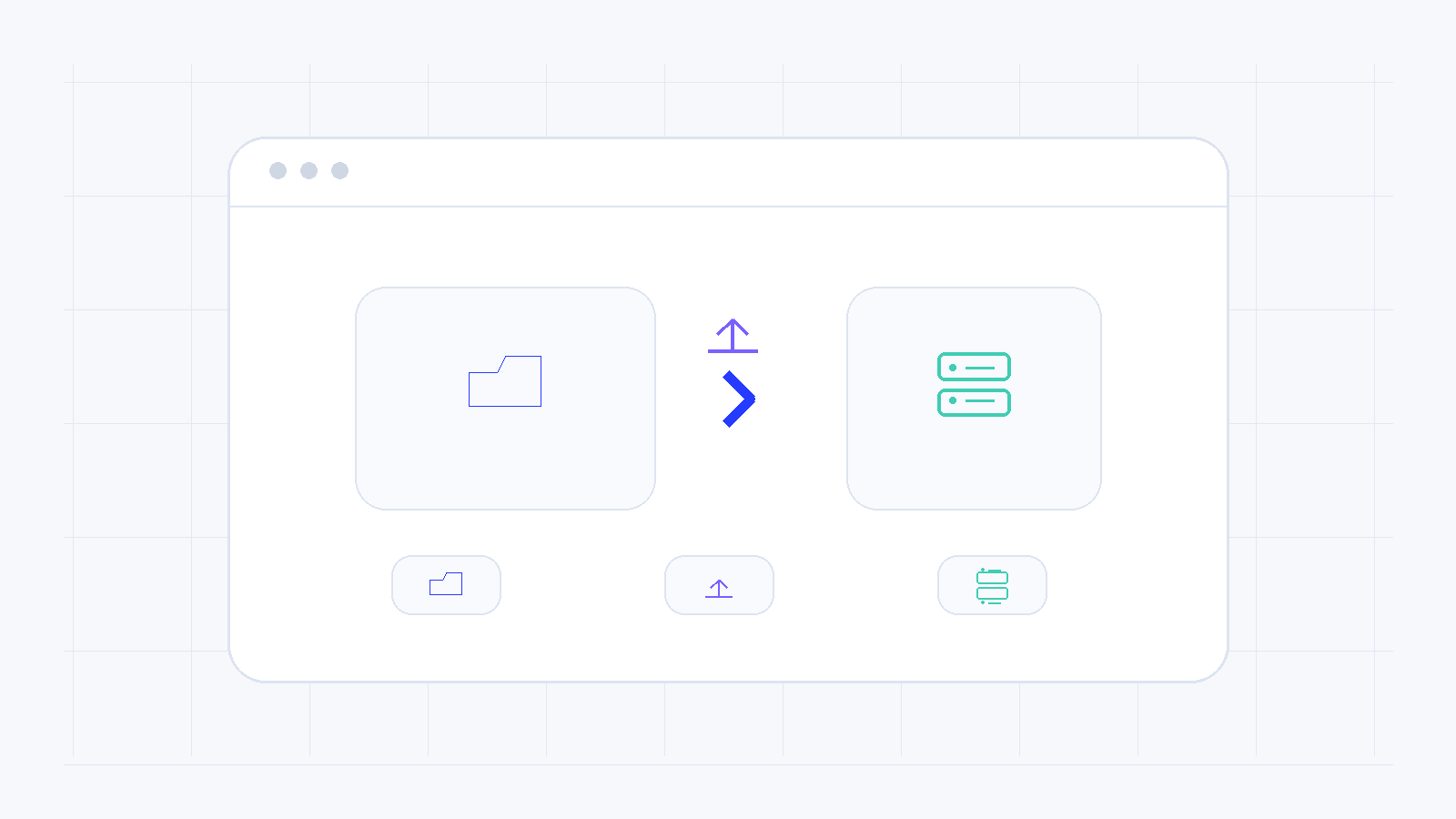
A website does not work simply because files were copied to a server. They must be placed in the correct directory and dynamic applications must be connected to their database.
Find the correct document root
The control panel shows the directory served by the domain, such as httpdocs or public_html. Do not upload the site to an arbitrary folder.
Use a secure connection
Prefer SFTP or FTPS with the credentials shown in the hosting account. Avoid plain FTP when a secure option is available.
Transfer the database as well
WordPress and other dynamic applications require an export of the old database, an import into the new one and updated credentials in the configuration file.
Check permissions and the index file
Files need appropriate permissions and a valid index file. Excessively open permissions increase security risk.
Test before changing DNS
Preview using a temporary hosts-file mapping or another control-panel method. Test pages, forms, login, SSL, images and email before directing the domain to the new hosting.
Need more help?
If this guide did not resolve your issue, continue with the easy support team.
Contact support Ask easy AI