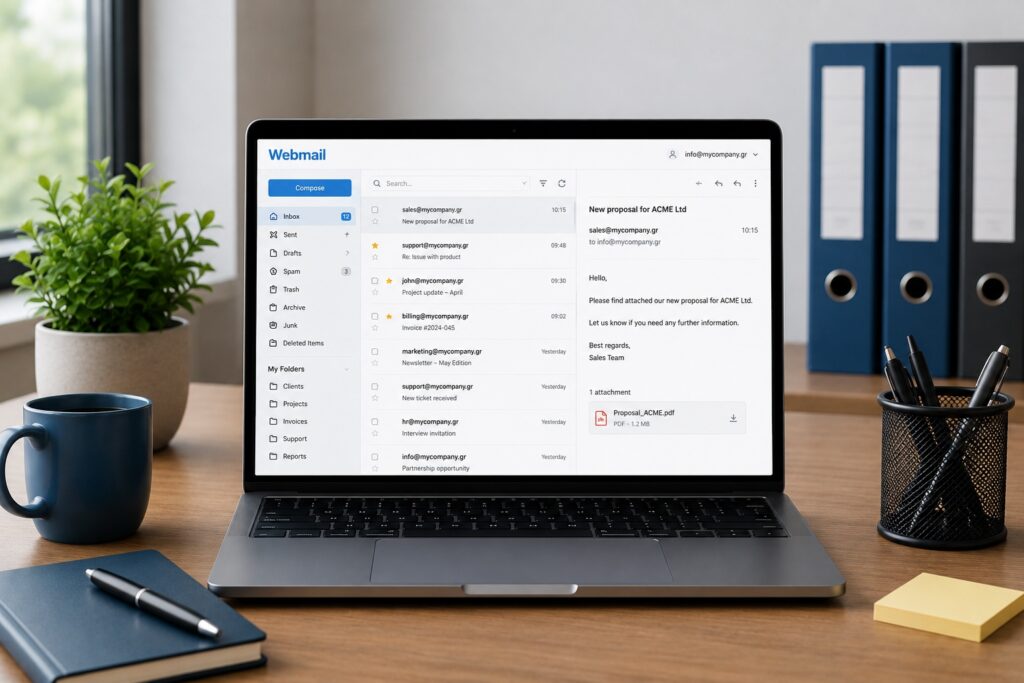
If you want to check your domain email without relying on a specific computer, webmail is the most direct solution. It lets you read and send messages through a browser from anywhere with an internet connection.
What you need
- Your domain email address.
- Your mailbox password.
- A browser on a computer, tablet or phone.
How to sign in
You can sign in to webmail from the URL provided by your service or through your control panel, where there is usually a direct mailbox access link.
What you can do in webmail
- Read and send email.
- Manage folders and search messages.
- Use contacts and basic account settings.
Security tips
If you use a public or shared computer, sign out when you finish, do not save the password and prefer secure HTTPS connections.
Need more help?
If this guide did not resolve your issue, continue with the easy support team.
Contact support Ask easy AI