The Domain Marketplace helps holders advertise domains offered for sale. This guide explains the platform’s role and what to check before activating a listing.
What the Marketplace is
It is a listing service for domains that their holder wishes to offer for sale. A listing does not automatically change ownership and is not, by itself, a completed sale agreement.
When a listing is activated
After the order and required details are confirmed, the listing is activated according to the current processing time shown by the service. Missing information may delay publication.
How much it costs
The current fee is displayed on the service page and during checkout. The guide intentionally avoids a fixed amount so it remains accurate when pricing changes.
Does easy broker the sale?
The exact level of involvement depends on the current service terms. Any change of holder must always follow the procedure for the relevant extension and obtain the required approvals.
Can I list a domain held at another registrar?
Availability depends on the current Marketplace workflow and on secure verification of the holder. When the option is not available in the panel, contact support before proceeding.
Need more help?
If this guide did not resolve your issue, continue with the easy support team.
The .eu extension is designed for individuals and organisations seeking a European online presence. This guide consolidates the key procedures that were previously spread across the legacy FAQ.
The .eu domain I want is already registered
A registered domain cannot be registered again. You may review publicly available WHOIS information and, where possible, contact the current holder. A change of holder can proceed only with the agreement of the parties and under the .eu Registry procedure.
Privacy note
Personal registrant details may not be publicly displayed because of data-protection rules.
Accented and unaccented Greek versions
The accented and unaccented forms are treated as separate domain names by the .eu Registry. Registering one version does not automatically secure the other, so check both before completing your order.
Transferring a .eu domain to easy
A transfer requires the domain authorisation code, also called an Auth code or transfer code. It can be obtained from the current registrar or, where supported, through EURid services. The current renewal rules and fee are shown during checkout.
Confirm that the domain is active.
Make sure you can access the registrant email address.
Enter the correct authorisation code.
Avoid unplanned DNS changes during a critical transfer.
Naming restrictions for .eu domains
The name must comply with the technical rules of the .eu Registry. It cannot begin or end with a hyphen, it has a defined maximum length and may contain only supported characters. The easy availability checker rejects most invalid formats before submission.
Need more help?
If this guide did not resolve your issue, continue with the easy support team.
Registering a domain involves more than choosing a name. You also need to identify the real registrant, provide accurate contact and billing details, understand how the application is checked and protect the credentials used for sensitive domain actions.
Quick answer
Before completing the order, verify the spelling, the selected extension, the registrant details, the contact email and the billing information. Most registrations are processed immediately and cannot be cancelled simply because you changed your mind.
Can I register a domain for my client?
Yes. You may manage and pay for domains on behalf of clients, provided that the actual rights holder is always recorded as the registrant.
Domain registrantThe individual or legal entity that legally holds the domain.
Billing contactThe individual or company whose details appear on the invoice.
Account managerThe user who manages the domain through Easy Control.
For example, a web agency may register a domain in the client’s name, manage it through its own account and receive the invoice using the agency’s billing details.
Always enter the actual rights holder
Registering a client domain in the agency’s or developer’s name can cause serious problems during a future transfer, handover or commercial dispute.
What is a domain authorization code?
A domain authorization code is a security credential linked to the domain. Depending on the extension and management system, it may be called an authorization code, Auth code, EPP code or transfer code.
It is mainly used to approve sensitive actions, particularly a transfer to another registrar. It is not your Easy Control account password.
Keep it secure
Anyone who obtains the authorization code may attempt to transfer the domain. Share it only with the receiving registrar or an authorized partner.
Can I cancel a registration because I changed my mind?
For most extensions, the registration is submitted immediately to the relevant registry and cannot be cancelled or refunded simply because you changed your mind.
Exception for an obvious typo in a .gr or .ελ application
As an exception, the Greek Registry may accept a revocation request for reasons such as an obvious typographical error, but only when the request is submitted within four (4) days of registration.
Contact support immediately
This is not a general cancellation right. It applies only to exceptional cases and requires the request to be submitted within the four-day deadline.
What happens if I typed the domain incorrectly?
A domain cannot be edited like a name or a sentence. Changing even one character or the extension creates a different domain.
mycompany.gr
mycompnay.gr
my-company.gr
mycompany.com
If you registered the wrong domain, first check whether the correct one is still available and register it immediately. For an incorrect .gr or .ελ application, contact support at once so that the available revocation procedure can be assessed.
What is the Validity Check service?
Validity Check is an optional add-on that can be selected while registering a .gr or .ελ domain.
The service provides a preventive review of the application details and can identify omissions, inconsistencies or obvious errors before they interfere with the assignment process.
Incorrect or incomplete registrant details.
A mismatch between an individual and a legal entity.
Problems in the contact information.
Obvious errors that may complicate application verification.
Optional registration add-on
Validity Check reduces the risk created by inaccurate application data, but it does not override the applicable rules and does not replace the final decision of the Greek Registry.
How many domains can I register?
There is no general numerical limit on the domains that an individual, business or organization may register.
Multiple extensions for the same brand.
Domains for different products or services.
Domains managed for clients.
Defensive registrations that protect a brand.
Domains reserved for future projects.
Before building a large portfolio, account for future renewal costs and make sure that each domain has the correct ownership details.
Registration checklist
01I checked the spelling of the domain.
02I selected the correct extension.
03I entered the actual registrant.
04I verified the contact email and details.
05I entered the correct billing information.
06I understand that registration is normally non-cancellable.
Frequently asked questions
Can the client own the domain while the invoice is issued to me?
Yes. The registrant and billing contact may use different details.
Can I change the domain itself after registration?
No. Changing a character or the extension creates a different domain and requires a new registration.
Is the authorization code my account password?
No. It is a separate security credential used mainly for domain transfers.
Is there a limit to the number of domains I may own?
There is no general numerical limit, provided that each registration complies with the rules of its extension.
Can I cancel a domain that I no longer need?
You can disable future renewal, but an already completed registration is normally not cancelled.
Need help?
Not sure which details to enter, or did you notice an error after submitting the application? Contact the easy support team immediately or use ask AI for guidance on the next step.
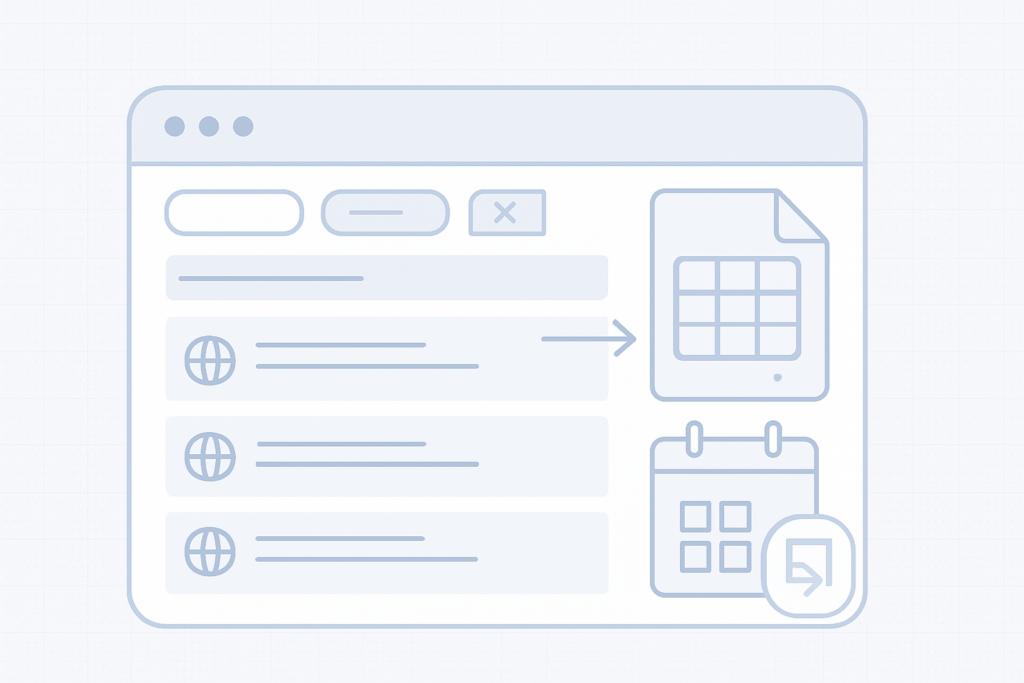
You can export the domains shown in your domain list as an iCalendar (.ics) file or as an Excel (.xlsx) spreadsheet. Use the exported iCal file to import renewal dates into your calendar app and add alerts so you don’t miss renewals.
What the export includes
The export contains the domains currently visible in your list according to the active filters and search. For example, if you search for ".gr" and press Enter, only.gr domains will be shown and the exported file will include only those domains. The exported file includes the columns shown in your domain list, such as domain name and expiry date.
How to export
Apply any filters or search terms to your domain list so it shows only the domains you want to export (for example, type ".gr" in the search field and press Enter).
Use the export option for the domain list and choose the format you need: iCalendar (.ics) or Excel (.xlsx).
Download the exported file to your computer.
Import the.ics file into your calendar app or open the.xlsx file in a spreadsheet program to view or adjust the data.
Note
Adding an alert to the imported calendar entries gives you an extra reminder on top of any other notifications. Set the alert time that works best for you (days or weeks before expiry) to avoid late renewals and penalties.
Importing the iCal file into your calendar
Most calendar apps provide an option to import.ics files or subscribe/add a calendar. Use that option to add the downloaded.ics file to your calendar and then add alerts or notifications for the renewal dates.
Tips and reminders
Always apply filters or search first — the export only includes the domains currently listed.
Keep a local copy of the exported file as a backup.
After importing, verify the timezone and alert settings in your calendar so reminders appear at the expected time.
Quick checklist before exporting
Filter the list to include only the domains you want exported.
Choose iCal (.ics) to import into a calendar or Excel (.xlsx) for a spreadsheet.
Download and verify the exported file contains the expected domains and expiry dates.
Need more help?
If you have trouble exporting or importing the file, contact support with the details of the issue and a description of the steps you followed.
The Browsable API lets you integrate domain search, registration and management features from easy.gr directly into your website, web app or control panel. It uses JSON and AJAX so you can test and run commands in real time from your browser and see results immediately.
Enable the API Sign in to your easy.gr account and enable the service from the "easy API (WHMCS)" option in your account menu.
How it works
The Browsable API acts as a bridge between your site and domain registries through the easy.gr control panel. Requests and responses use JSON, and AJAX lets you call API endpoints directly from client-side code for immediate feedback during development and testing.
Key capabilities Real-time domain availability searches Register and renew domains Query WHOIS data and manage privacy settings Update nameservers and other domain settings via the control panel
What you can integrate
Domain search and availability checks in your site’s signup or checkout flow
Automated domain registration and renewal workflows
WHOIS lookups and privacy toggles for customers
Nameserver updates and other lifecycle operations from your own panel
Typical integration steps
Enable the Browsable API in your easy.gr account (see note above).
Use the browsable endpoints in your browser to explore available requests and responses via JSON/AJAX.
Build client-side calls (AJAX) to the API endpoints to perform searches and operations from your UI.
Handle responses in your application and forward necessary actions to the easy.gr control panel or backend as required.
Test workflows in the browser, then move integration into your production environment when ready.
Requirements and recommendations
Familiarity with JSON and AJAX for client-side calls.
An easy.gr account with the Browsable API enabled.
Plan your error handling for registry responses and rate limits.
Use secure practices for any credentials or tokens required by your integration.
Quick tips Use the browsable interface to prototype and debug API calls before coding full integration. The live browser feedback reduces development time and helps validate workflows.
Support
If you need help, open a support request from your easy.gr account so the team can guide you with account-specific details and best practices for production deployment.
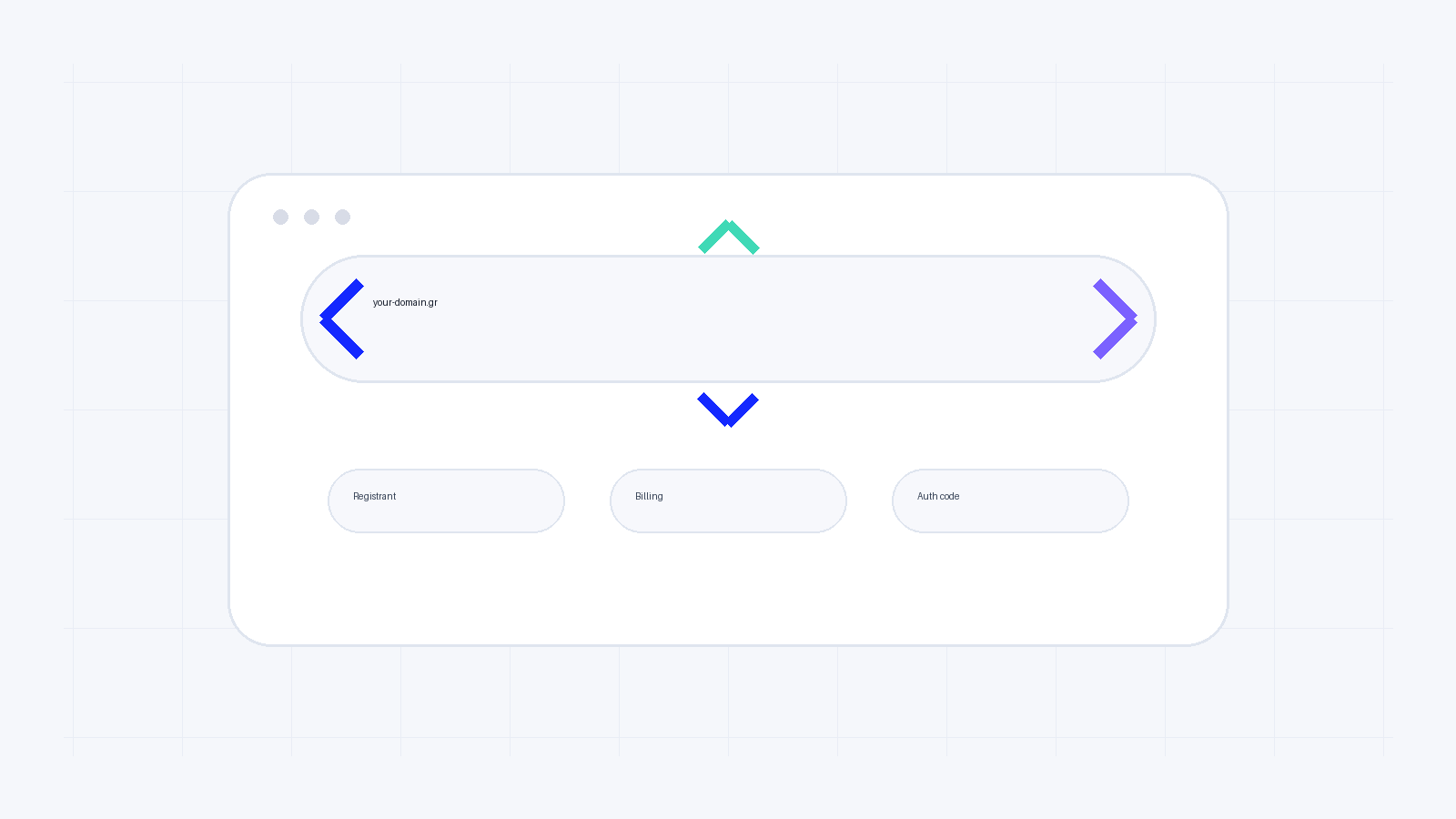
Type the domain name you want and include the dot (.). The tool will display a list of available extensions (TLDs) for that name. Use the left/right arrow keys on your keyboard to move through the list and see which extensions are free to register—then select the one you want to proceed with registration.
Quick steps
Type the domain name including the dot (for example: yourname.).
Use the keyboard arrow keys to browse suggested extensions.
Select an extension to continue with registration or check pricing and availability.
Tips for choosing an extension
Consider relevance: choose a TLD that fits your audience or business (for example country or industry-specific TLDs).
Protect your brand: if the name is important, consider registering common alternative extensions to avoid confusion.
Keep it memorable: shorter and well-known TLDs are easier for users to remember.
Note
The tool shows available extensions for the exact name you enter. Availability and registration options can change quickly, so if you see an extension you want, proceed to register it to reserve it.
Need help or want to register multiple extensions?
If you want to secure several TLDs at once or need advice on the best extensions for your project, our domain pages explain registration options and next steps.
Register domains at easy.gr
Visit easy.gr/domains to search, compare and register domain names and extensions.