What is the Browsable API?
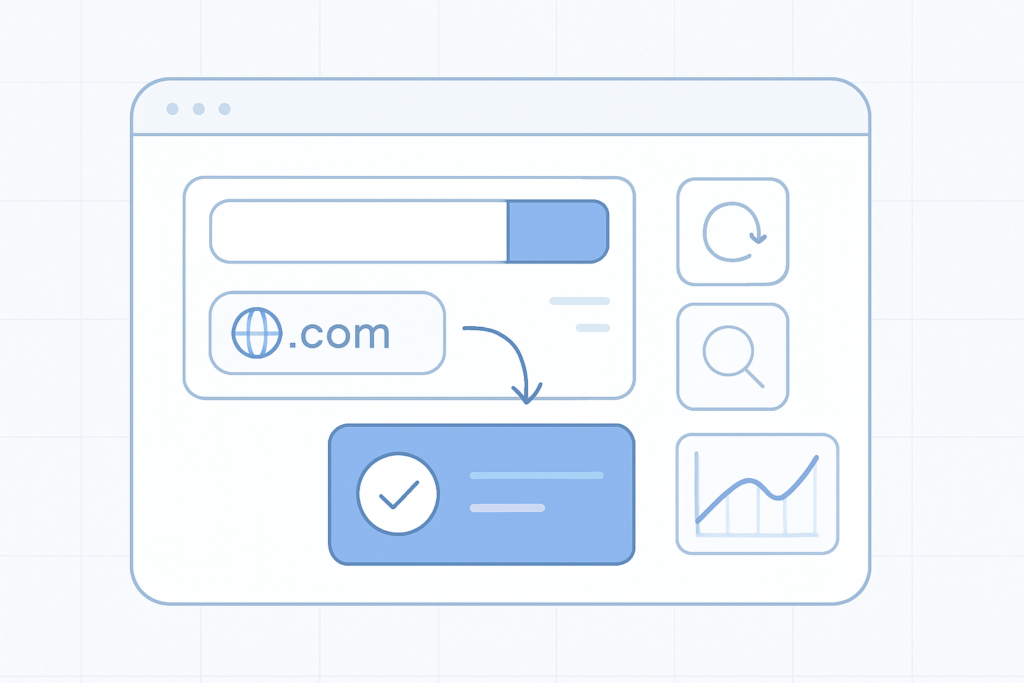
The Browsable API lets you integrate domain search, registration and management features from easy.gr directly into your website, web app or control panel. It uses JSON and AJAX so you can test and run commands in real time from your browser and see results immediately.
Enable the API Sign in to your easy.gr account and enable the service from the "easy API (WHMCS)" option in your account menu.
How it works
The Browsable API acts as a bridge between your site and domain registries through the easy.gr control panel. Requests and responses use JSON, and AJAX lets you call API endpoints directly from client-side code for immediate feedback during development and testing.
Key capabilities Real-time domain availability searches Register and renew domains Query WHOIS data and manage privacy settings Update nameservers and other domain settings via the control panel
What you can integrate
- Domain search and availability checks in your site’s signup or checkout flow
- Automated domain registration and renewal workflows
- WHOIS lookups and privacy toggles for customers
- Nameserver updates and other lifecycle operations from your own panel
Typical integration steps
- Enable the Browsable API in your easy.gr account (see note above).
- Use the browsable endpoints in your browser to explore available requests and responses via JSON/AJAX.
- Build client-side calls (AJAX) to the API endpoints to perform searches and operations from your UI.
- Handle responses in your application and forward necessary actions to the easy.gr control panel or backend as required.
- Test workflows in the browser, then move integration into your production environment when ready.
Requirements and recommendations
- Familiarity with JSON and AJAX for client-side calls.
- An easy.gr account with the Browsable API enabled.
- Plan your error handling for registry responses and rate limits.
- Use secure practices for any credentials or tokens required by your integration.
Quick tips Use the browsable interface to prototype and debug API calls before coding full integration. The live browser feedback reduces development time and helps validate workflows.
Support
If you need help, open a support request from your easy.gr account so the team can guide you with account-specific details and best practices for production deployment.