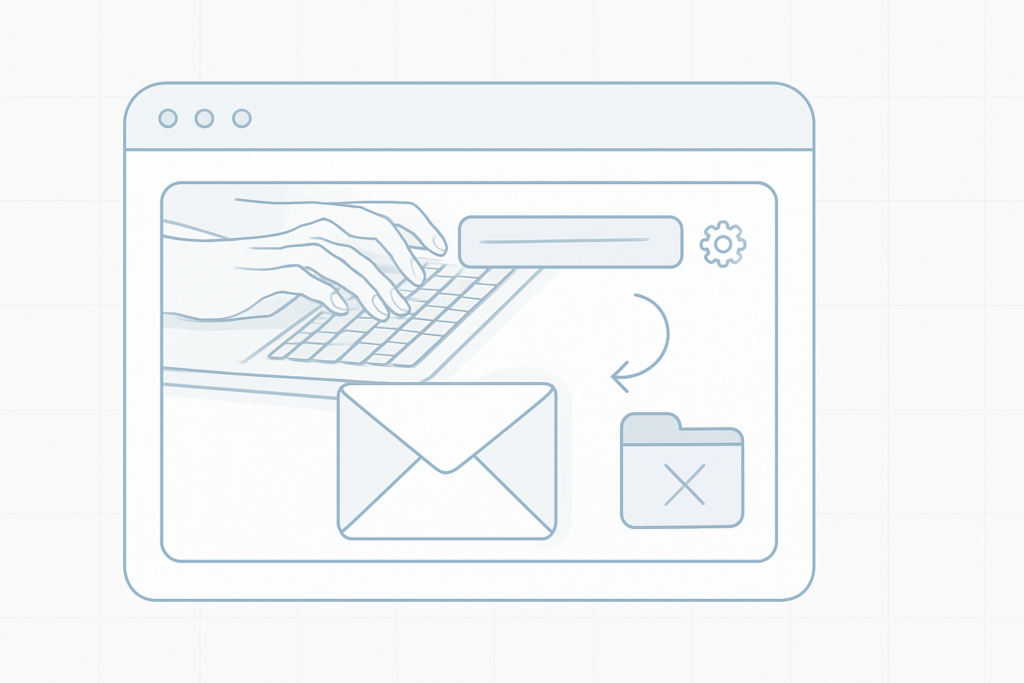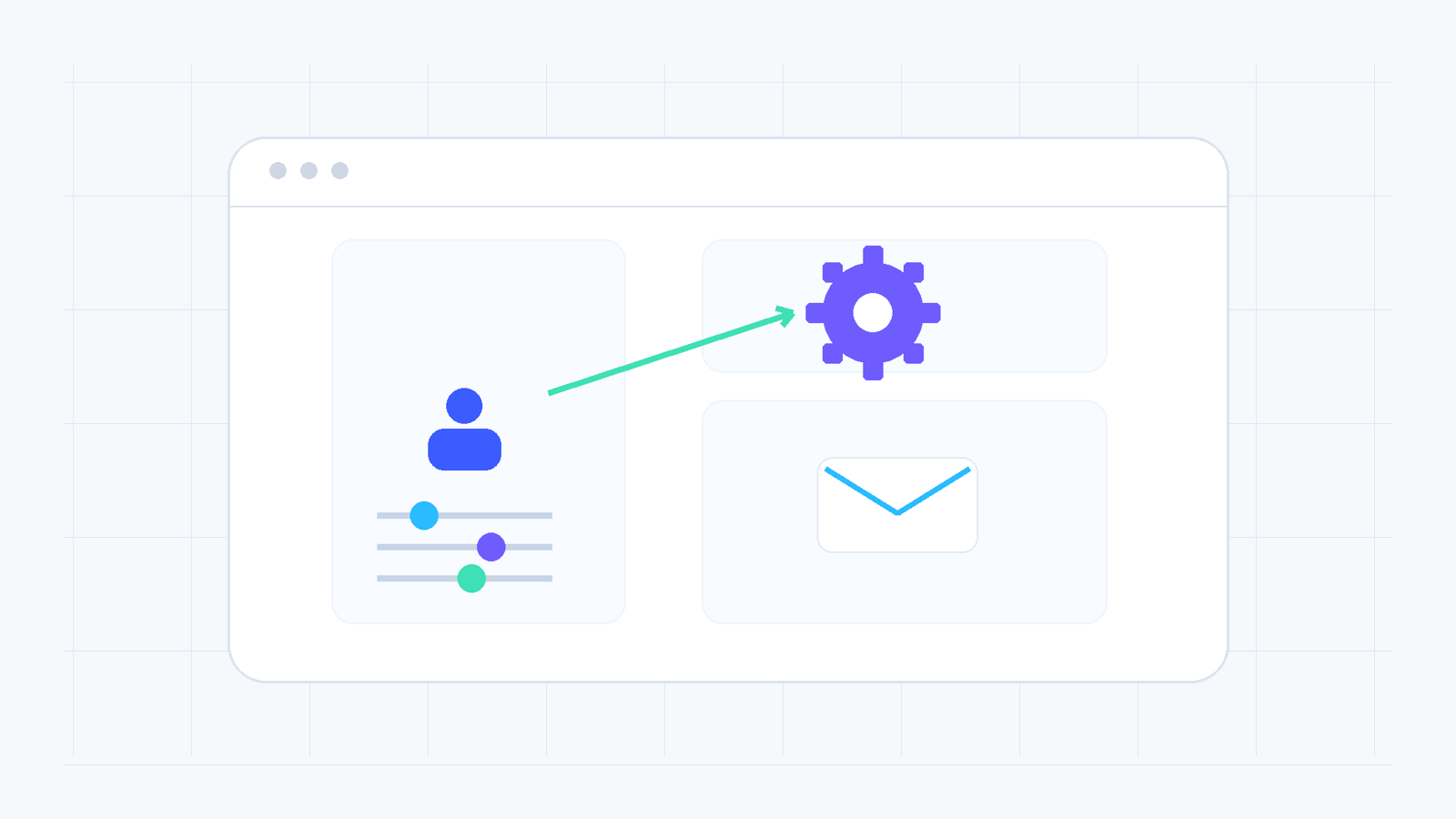
The notification email is used for important account and service updates. It should be active, accessible and checked regularly, especially for expirations, technical notices and security-related messages.
Change it step by step
- Sign in to your account.
- Open Management and go to Settings.
- Find the notification email field and choose edit.
- Enter the new address and save.
What to verify afterwards
Make sure the address is correct and that messages from easy are not being filtered as spam. If a confirmation process is shown, complete it from the new mailbox.
Helpful note
Prefer an address that does not depend exclusively on a service that may expire inside the same account. This reduces the risk of missing important notices.
Need more help?
If this guide did not resolve your issue, continue with the easy support team.
Contact support Ask easy AI