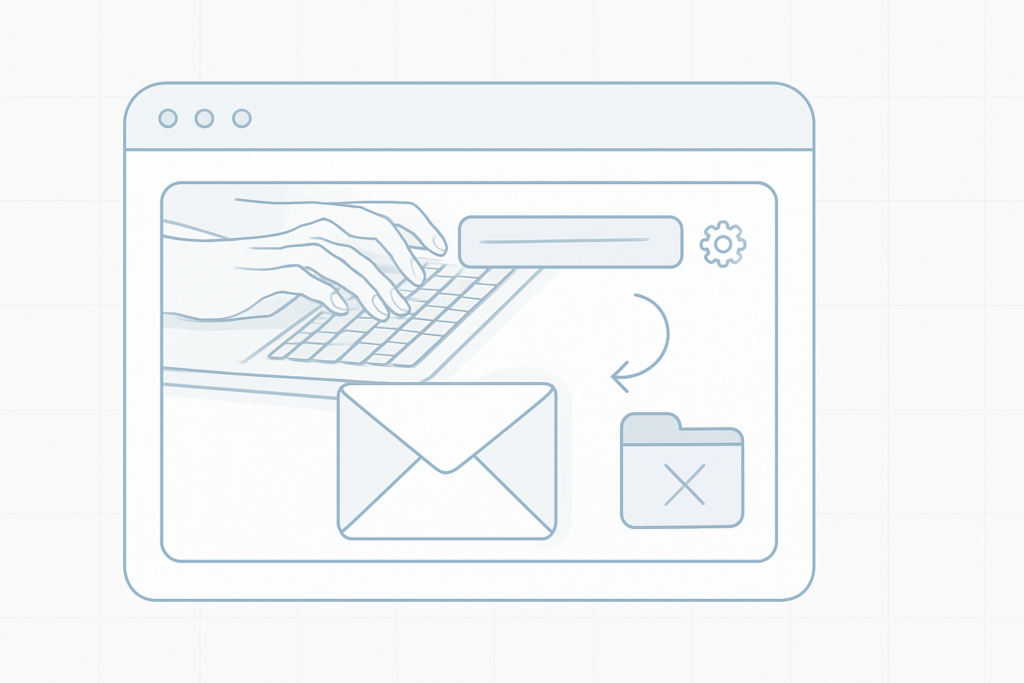
Update your account notification email
Your email address is the primary way we contact you.Make sure you keep a current contact address in your account so we can deliver technical alerts, account and billing information, and other important notifications.
How to change the Notification Email
OpenSettingsin your account. On the left side, find and edit theNotification Emailfield to the address where you want to receive updates. Save your changes when you're done.
Why you should keep this email updated
- Receive system and security alerts promptly.
- Get account and renewal reminders without interruption.
- Ensure we can reach you if we need to contact you about your services.
Important
Updating the Notification Email does not change your login method or social logins (for example, Google or Facebook). It is only used for communications and alerts.
Quick checklist after updating
- Confirm the new address is spelled correctly.
- Check your inbox (and spam) for any confirmation or test messages.
- Keep this address active so you continue to receive notifications.