Help Tag: Renewal

  • Renewing an expired domain and the redemption period

    Text-free visual composition for expired domains and redemption

    Domain expiry can immediately affect websites and email. The correct action depends on the lifecycle stage of the name.

    I renewed but the website is still unavailable

    After renewal, time may be required for the active status to return at the Registry and for old DNS caches to expire. Also verify that the nameservers and hosting service remain active.

    How much time do I have?

    The available window differs by extension and lifecycle stage. Do not rely on a grace period: renew before expiry. After expiry, interruption or a higher restoration fee may apply.

    Renewing with available credits

    When your balance or coupon is eligible, it appears as a payment option in the renewal flow. Some credits are limited to a specific purpose or expiry date and are not general account funds.

    A renewal email from an unknown sender

    Do not pay through a link you do not recognise. Sign in directly to easy.gr and verify the domain status and official notices. Suspicious messages may be misleading offers or phishing.

    What Redemption means

    Redemption is an advanced post-expiry stage for certain extensions. Restoration, when available, requires a special process and an additional Registry fee. Contact support immediately; after this period the domain may proceed to deletion.

    Need more help?

    If this guide did not resolve your issue, continue with the easy support team.

    Contact support Ask easy AI
  • Export your domains to iCal (ICS) or Excel

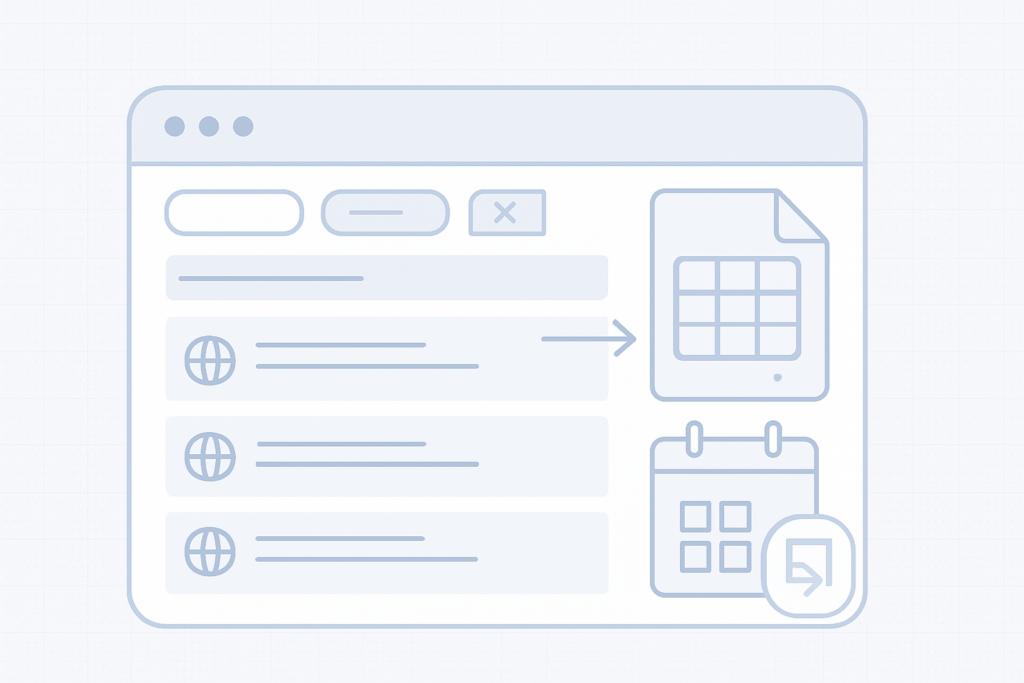
    Calendar reminder for domain renewal

    Export domains to iCal or Excel

    You can export the domains shown in your domain list as an iCalendar (.ics) file or as an Excel (.xlsx) spreadsheet. Use the exported iCal file to import renewal dates into your calendar app and add alerts so you don’t miss renewals.

    What the export includes

    The export contains the domains currently visible in your list according to the active filters and search. For example, if you search for ".gr" and press Enter, only.gr domains will be shown and the exported file will include only those domains. The exported file includes the columns shown in your domain list, such as domain name and expiry date.

    How to export

    1. Apply any filters or search terms to your domain list so it shows only the domains you want to export (for example, type ".gr" in the search field and press Enter).
    2. Use the export option for the domain list and choose the format you need: iCalendar (.ics) or Excel (.xlsx).
    3. Download the exported file to your computer.
    4. Import the.ics file into your calendar app or open the.xlsx file in a spreadsheet program to view or adjust the data.

    Note

    Adding an alert to the imported calendar entries gives you an extra reminder on top of any other notifications. Set the alert time that works best for you (days or weeks before expiry) to avoid late renewals and penalties.

    Importing the iCal file into your calendar

    Most calendar apps provide an option to import.ics files or subscribe/add a calendar. Use that option to add the downloaded.ics file to your calendar and then add alerts or notifications for the renewal dates.

    Tips and reminders

    • Always apply filters or search first — the export only includes the domains currently listed.
    • Keep a local copy of the exported file as a backup.
    • After importing, verify the timezone and alert settings in your calendar so reminders appear at the expected time.

    Quick checklist before exporting

    • Filter the list to include only the domains you want exported.
    • Choose iCal (.ics) to import into a calendar or Excel (.xlsx) for a spreadsheet.
    • Download and verify the exported file contains the expected domains and expiry dates.

    Need more help?

    If you have trouble exporting or importing the file, contact support with the details of the issue and a description of the steps you followed.